Nano Banana is an AI image editing workflow for marketers, designers, e-commerce teams, and creators who need faster revisions without losing control. Use Nano Banana to replace backgrounds, update product photos, keep character consistency, and turn rough ideas into production-ready visuals. When a project needs stronger detail retention and harder multi-reference tasks, Nano Banana Pro gives teams a higher-control option.
Natural language editingMulti-image consistencyProduction-ready visuals
Start with Nano Banana for fast everyday image edits, then switch to Nano Banana Pro when you need tighter product fidelity, more complex compositions, or more demanding brand visuals.
Select Model
Description prompt
85 chars
Use a specific subject, scene, and style for better preview context.
Aspect Ratio:
Resolution:
Natural language
Nano Banana
16:9
Need a deeper image workflow for product, ad, or brand production?
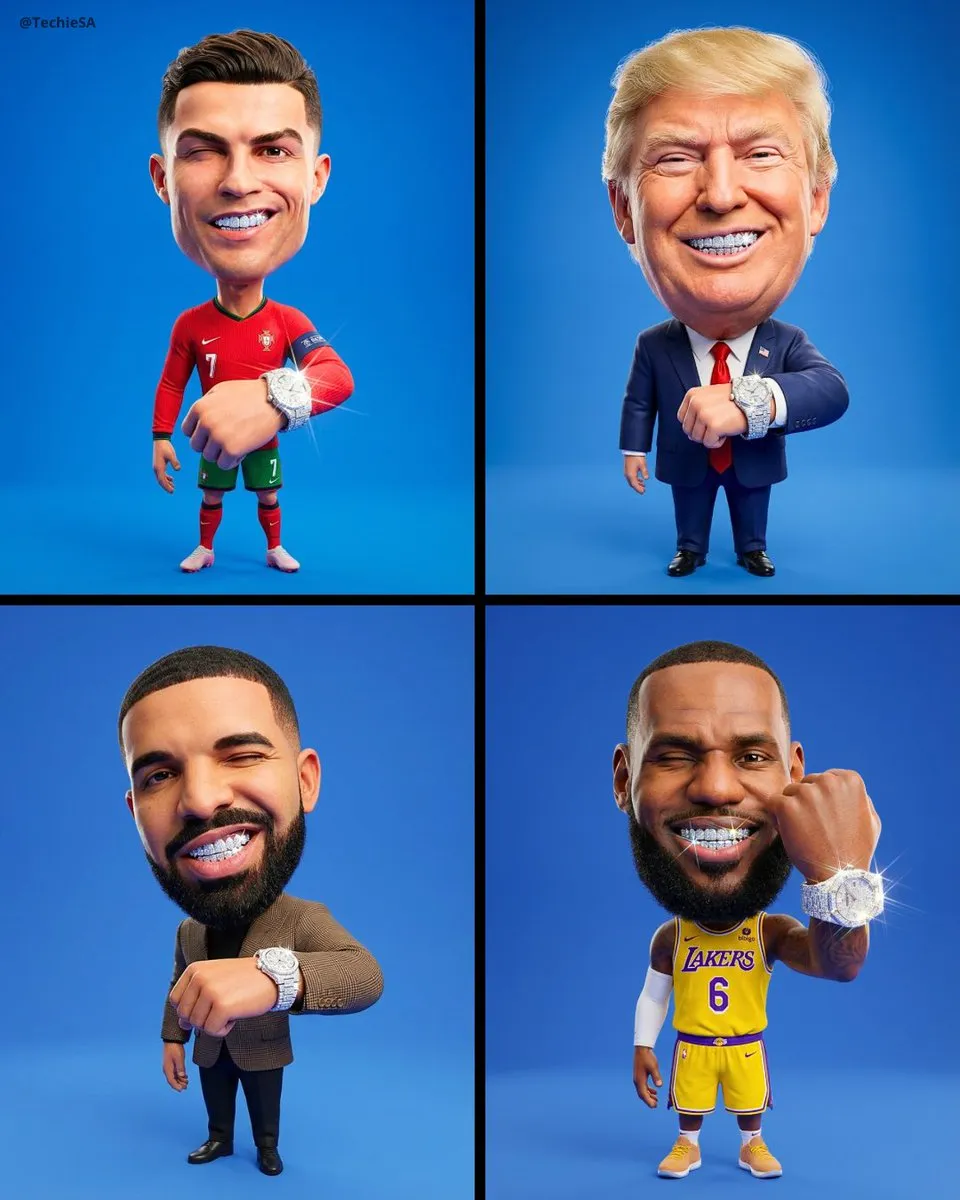
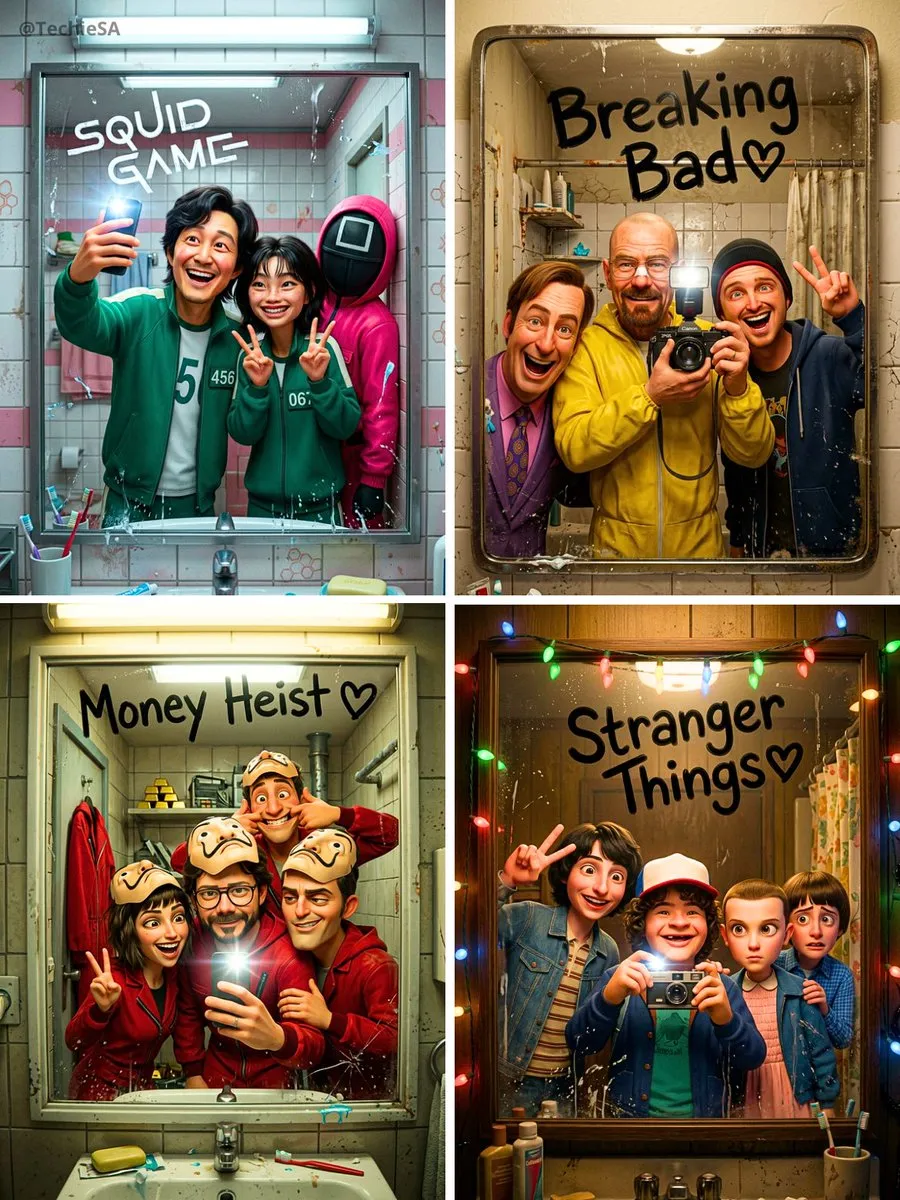
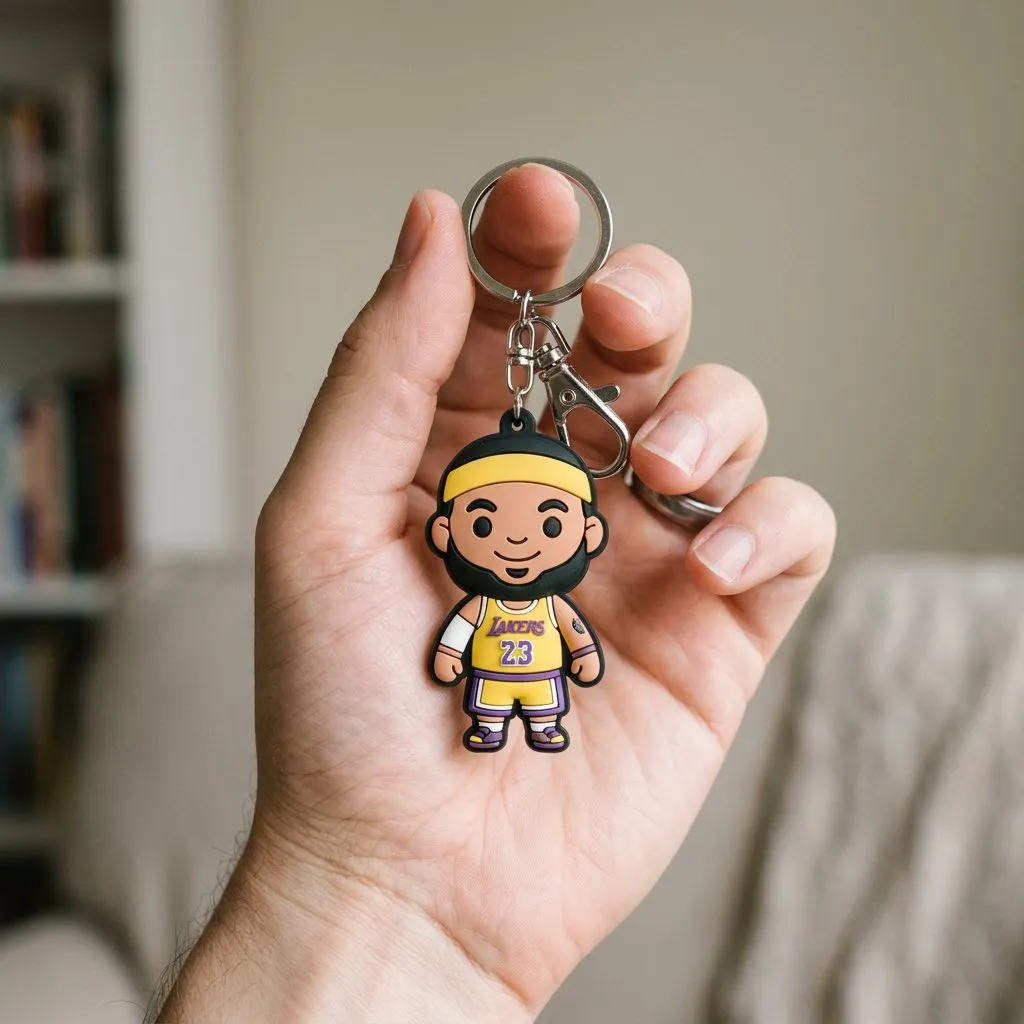
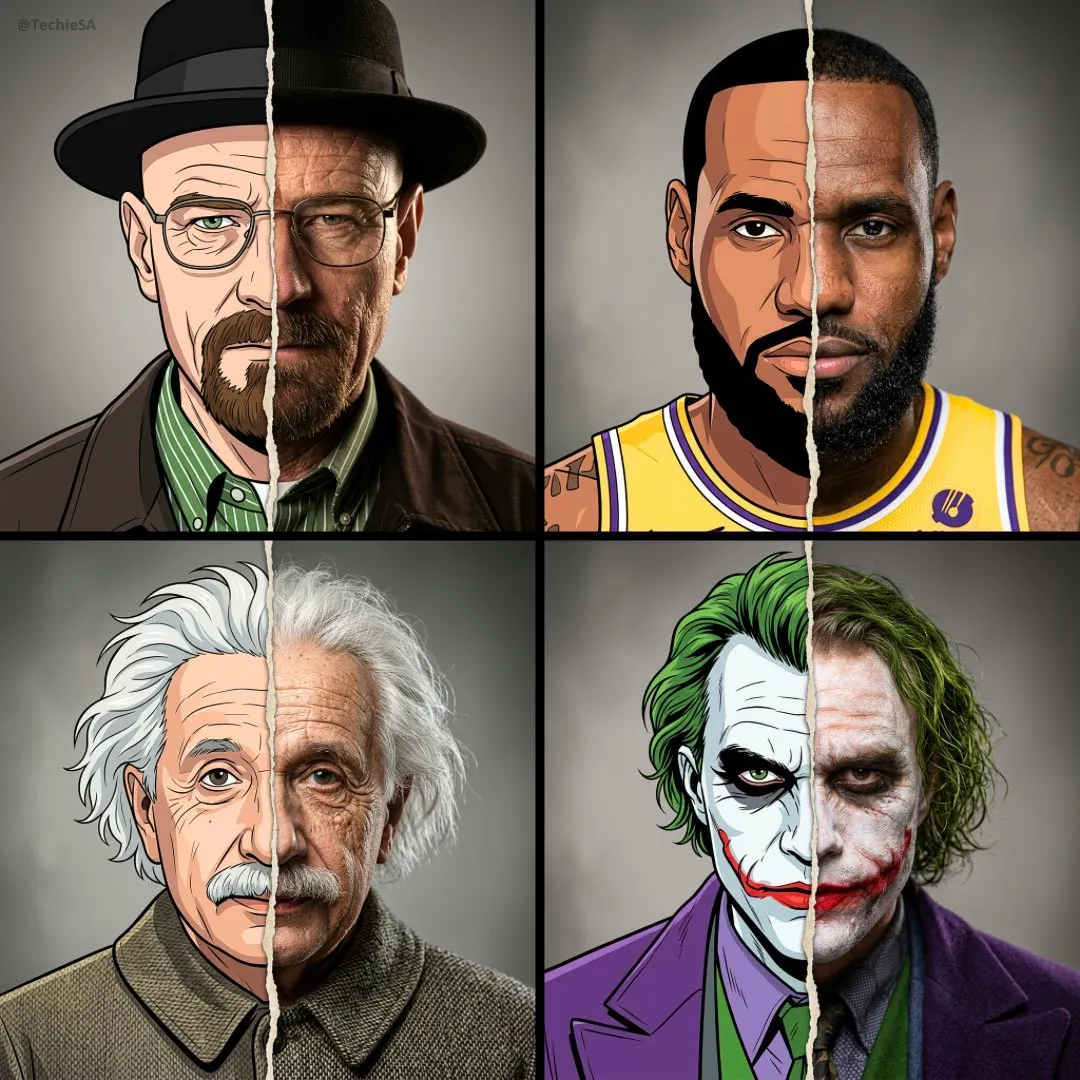
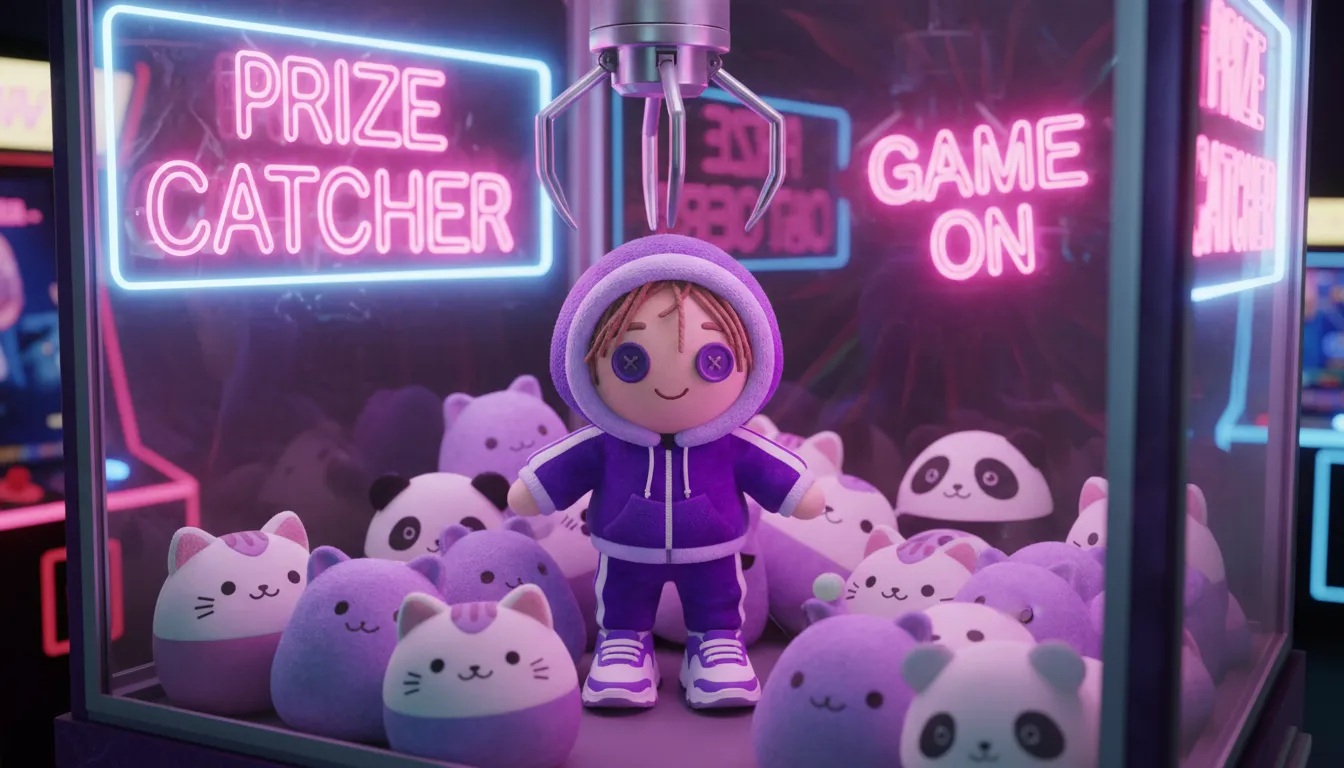
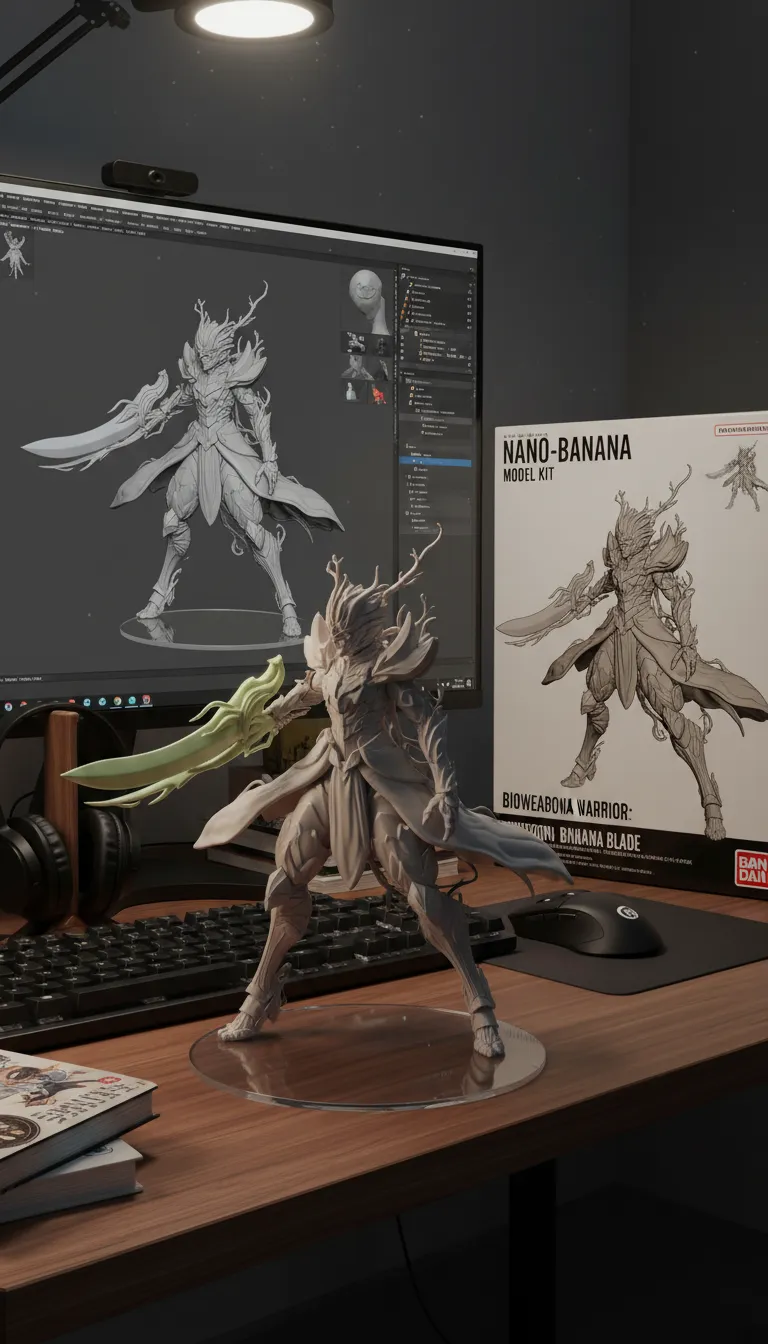
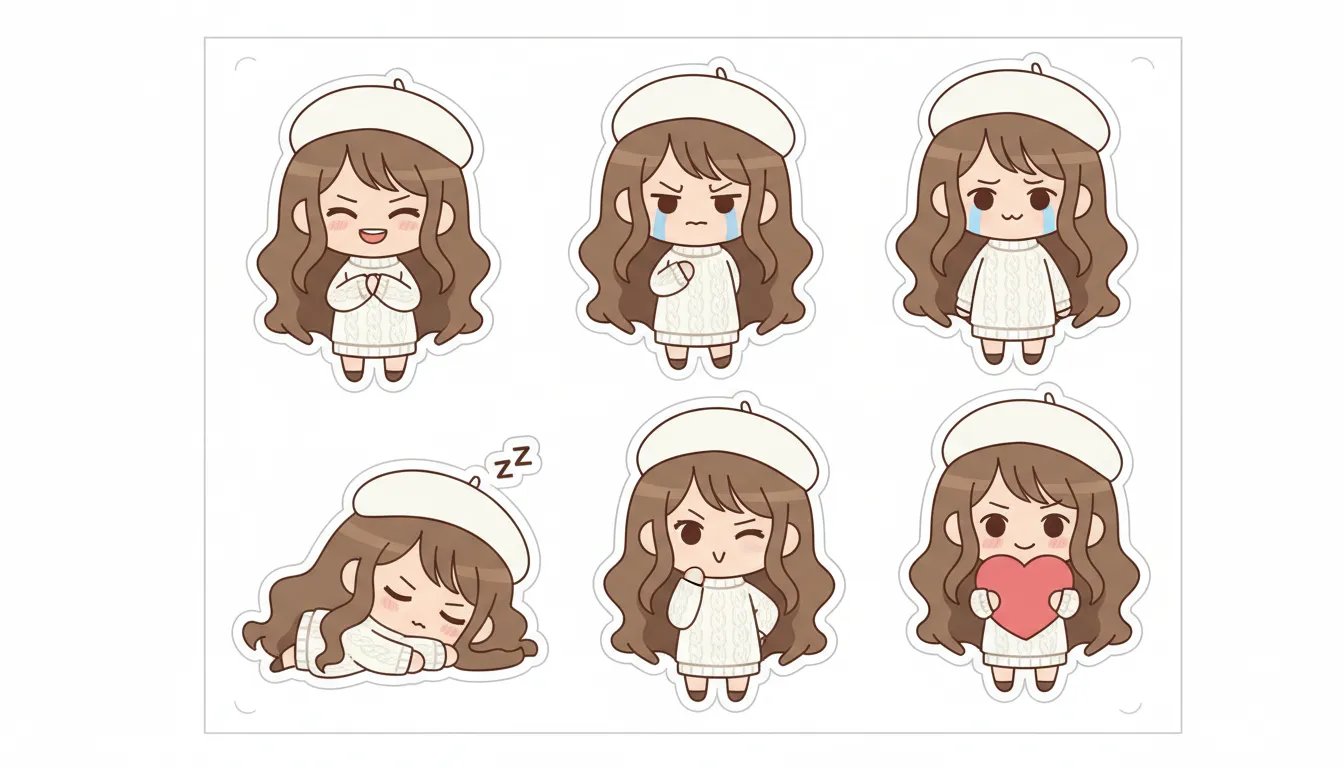
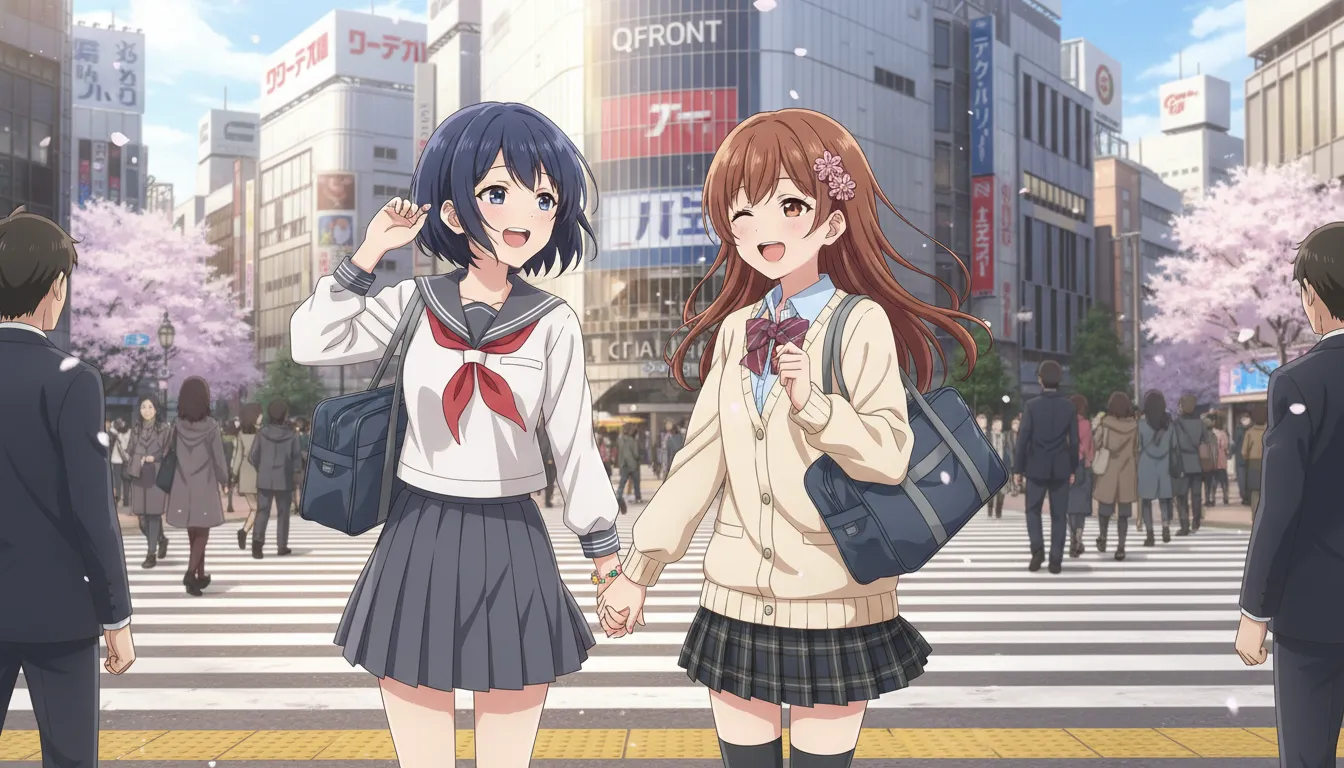
Explore prompt ideas for portraits, products, posters, collectibles, and social visuals you can build with Nano Banana workflows. One click is enough to copy and start testing.
#1
#2
#3
#4
#5
#6
#7
#8
#9
#10
#11
#12
#13
#14
#15
#16
Replace slow Photoshop-heavy edit loops
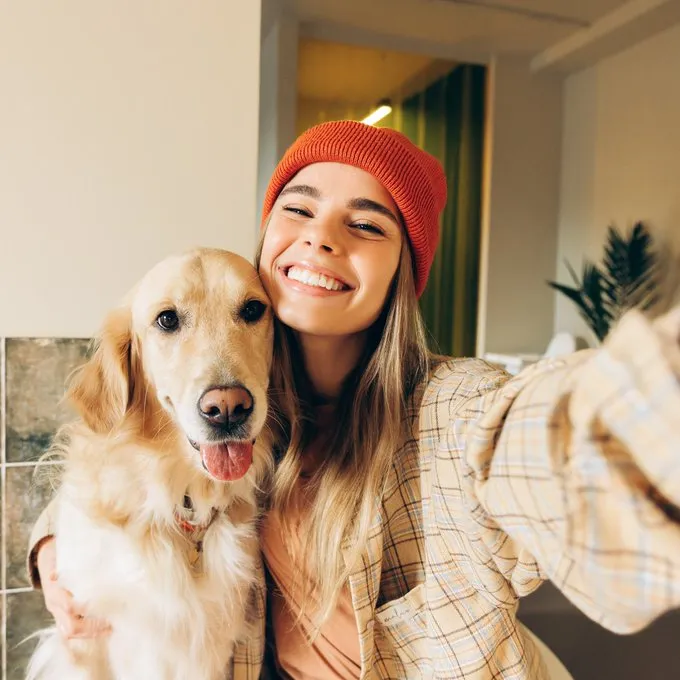
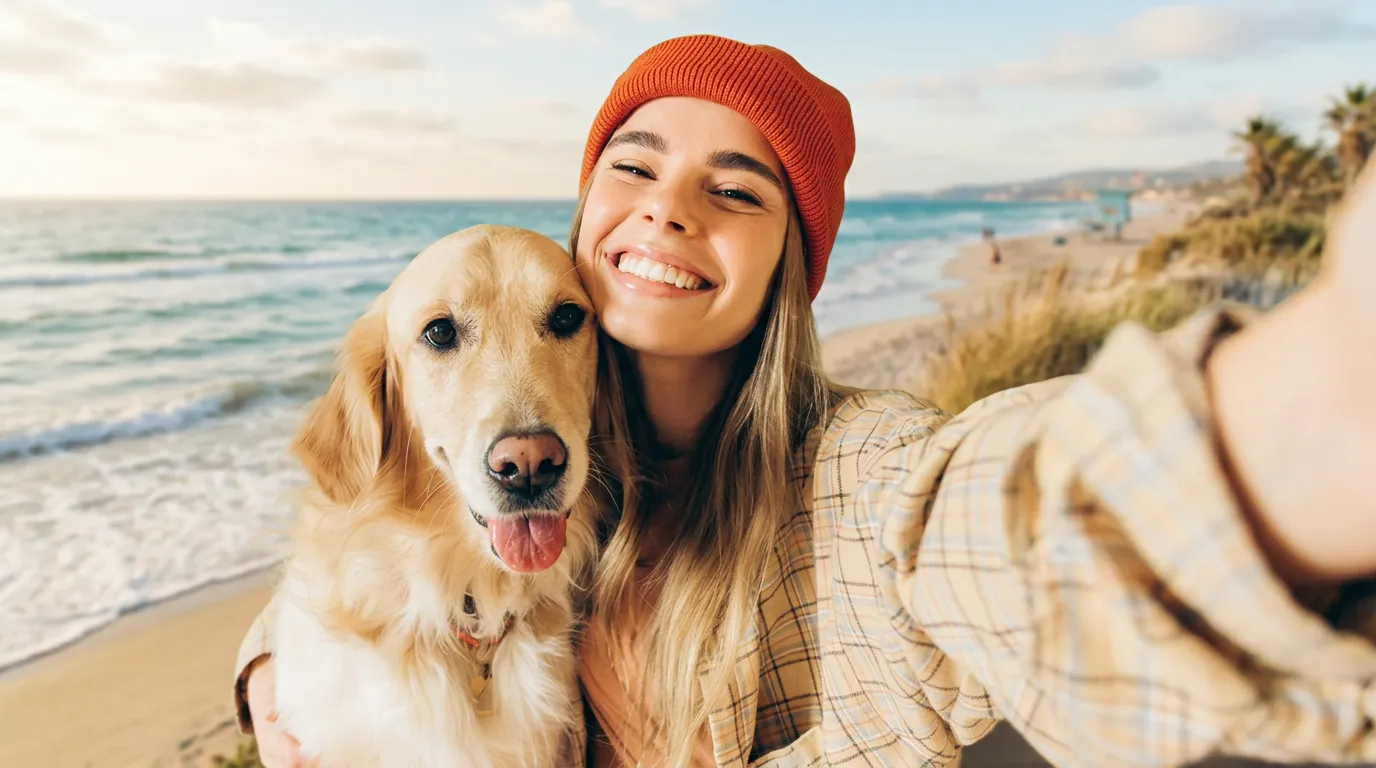
Nano Banana helps teams change backgrounds, lighting, colors, and objects with plain language, so common marketing, e-commerce, and social-media edits take minutes instead of long manual retouching sessions.
Before
Background Replacement
AI
Background Replacement
Capabilities
What is Nano Banana
Nano Banana is designed for teams that need fast image updates, cleaner iteration cycles, and more predictable results when working with products, people, and brand visuals.
nano-banana
Prompt-based image editing
Describe the change in natural language and quickly update product photos, portraits, ad creatives, or scene details without rebuilding the whole image from scratch.
Reference-aware generation
Use multiple images as guidance for composition, subject appearance, and visual language when you need stronger brand, character, or product consistency.
Consistent iterative refinement
Move through multiple edit rounds while preserving more structure and intent, which helps teams reduce rework during concept development, review rounds, and stakeholder feedback.
Workflow Snapshot
Where Nano Banana fits best
Nano Banana works best when teams need speed, control, and practical output quality for real production tasks rather than open-ended art experiments alone.
Iteration
Fast
Editing Speed
Optimized for rapid visual changes and short edit loops during concept exploration, ad iteration, and product-content refreshes.
Guidance
Strong
Reference Control
Supports multiple image inputs to better align generated results with source references, which helps when matching products, faces, or branded layouts.
Usability
High
Prompt Simplicity
Natural-language instructions make the model approachable for non-technical creative teams that still need dependable visual control.
Consistency
Reliable
Character Retention
Useful for keeping subject identity more stable through iterative modifications in creator content, editorial concepts, and campaign variations.
Primary Use
Image Editing
Best Fit
Especially useful for prompt-based editing and controlled visual refinement when the goal is shipping usable assets, not only open-ended experimentation.
Production
Practical
Team Workflow Fit
Works well in marketing, e-commerce, creator, and design-review loops where speed, clarity, and predictable revisions matter.
Key Features
What Nano Banana helps teams do
Use Nano Banana to solve common creative bottlenecks: slow revision rounds, inconsistent reference matching, and too much manual cleanup before delivery.
Natural-language editing
Update image details with simple instructions instead of relying on long parameter-heavy editing chains, which is useful for fast campaign and content revisions.
Multi-image references
Blend subject, style, product, and scene references together for more directed output composition when one source image is not enough.
Character consistency
Maintain subject identity and recognizable visual traits more effectively across variations, which is important for recurring characters, creators, and branded spokespeople.
Fast creative exploration
Try several visual directions quickly to support design reviews, campaign ideation, social creative testing, and art direction decisions.
Image-to-image refinement
Start from an existing asset and apply targeted changes for styling, cleanup, scene replacement, detail enhancement, or localized campaign adaptation.
Workflow-friendly output
Useful for teams combining AI generation with manual editing tools, asset libraries, and brand review processes, while Nano Banana Pro is better for harder detail-sensitive tasks.
Why Use
Why choose Nano Banana
Teams choose Nano Banana because it shortens edit cycles, preserves intent better than many generic image tools, and makes it easier to ship campaign-ready visuals.
Turn feedback into image updates faster
Teams can describe changes naturally instead of translating every request into a complicated editing workflow, which cuts back-and-forth during reviews.
Keep products, people, and brand details more consistent
Nano Banana is useful when outputs need to stay closer to supplied products, characters, packaging, or brand references across multiple versions.
Scale up to Nano Banana Pro for harder briefs
It works well for campaigns, storefront assets, social content, and internal review cycles, while Nano Banana Pro gives teams more confidence on harder, higher-precision visual tasks.
How to Use
How to use Nano Banana
Get better Nano Banana results by starting with a clear goal, describing the exact change, and using references whenever consistency matters.
1
Start with a clear source image or business goal
Begin from an existing image or define the exact visual outcome you want, such as a cleaner product hero shot, a new ad variant, or a social-ready scene.
2
Describe the change and the constraint
Specify what should stay the same and what should change, such as background, lighting, packaging, object placement, facial identity, or brand colors.
3
Use references and move to Nano Banana Pro for harder tasks
Add reference images for subject, composition, or tone when you need more consistency across iterations, and choose Nano Banana Pro when the job demands tighter detail control.
Related models
Compare other creative and frontier models on Fluxchat when you need different reasoning, video, or image workflows.
Open Fluxchat to try Nano Banana on product images, ads, social visuals, character scenes, and other fast-turnaround workflows. If your task needs more demanding fidelity and control, move up to Nano Banana Pro.